Step 1: Enable the Workflows Module
To enable workflows functionality you must first install the Workflows Module, which is part of Drupal core but not installed by default.
→ Locate the Workflows module at Manage > Extend, select it, scroll down, and click install.
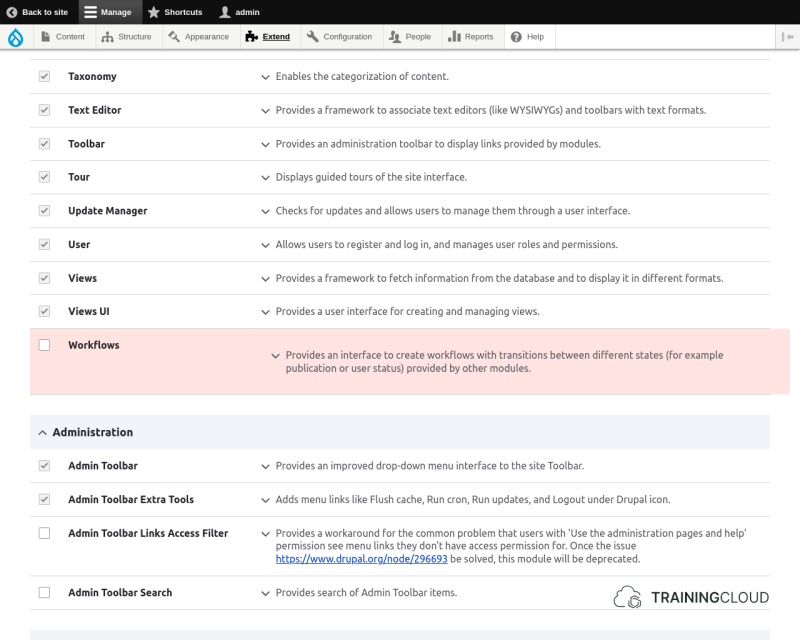
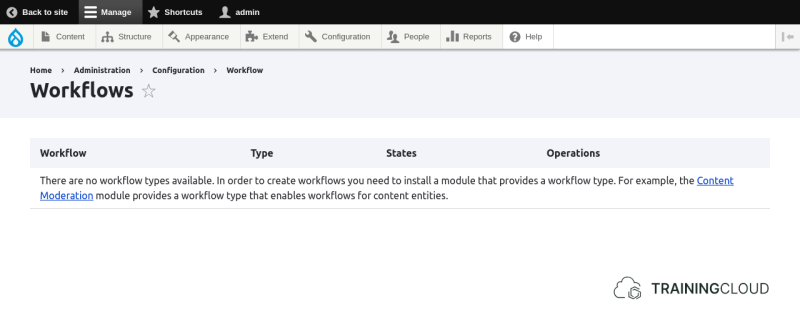
Once the Workflows Module is installed, you can see the available workflows at Manage > Workflow > Workflows:
Step 2: Enable the Content Moderation Module
By default there are no workflow types available.
You must install a module that provides one or more workflow types. The core Content Moderation Module is such a module:
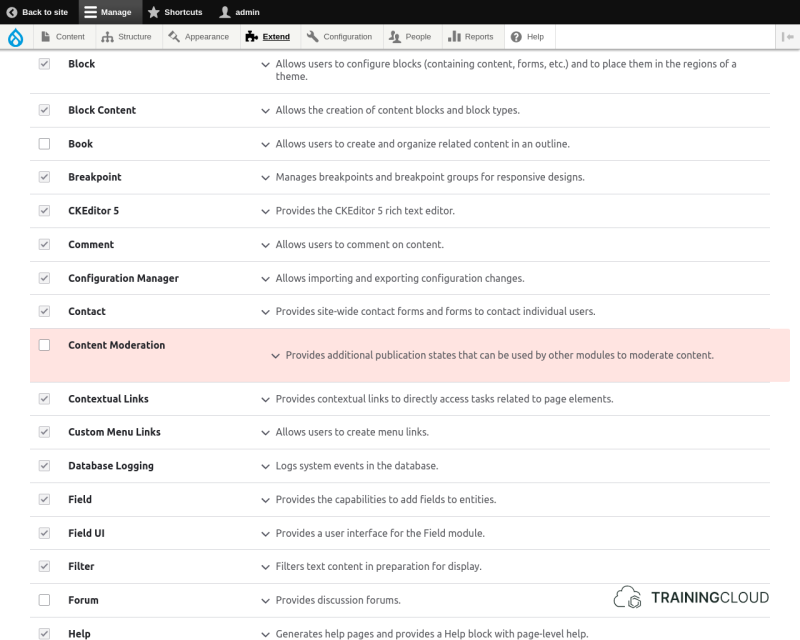
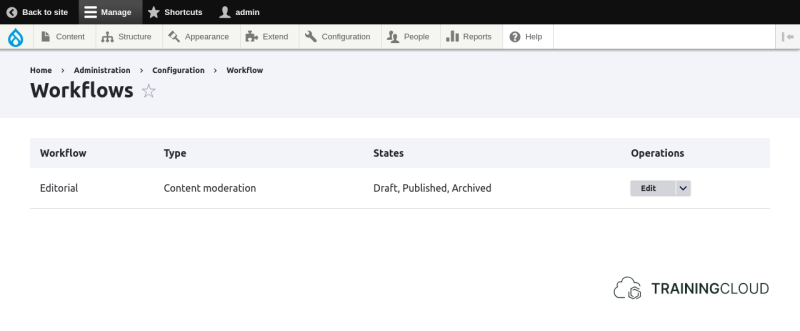
Once the Content Moderation Module is installed, the Editorial workflow becomes available:
TIP:
You can create as many editorial workflows as you'd like, and apply each one to different content types if you'd like.
But remember: Drupal 8 / 9 / 10, new workflow types (other than editorial workflows) can only be created in code, by creating a custom module.
Summary
- You need to install the Workflows module and Content Moderation module to be able to start configuring editorial workflows.