Activity 2: Building taxonomy term flag icons
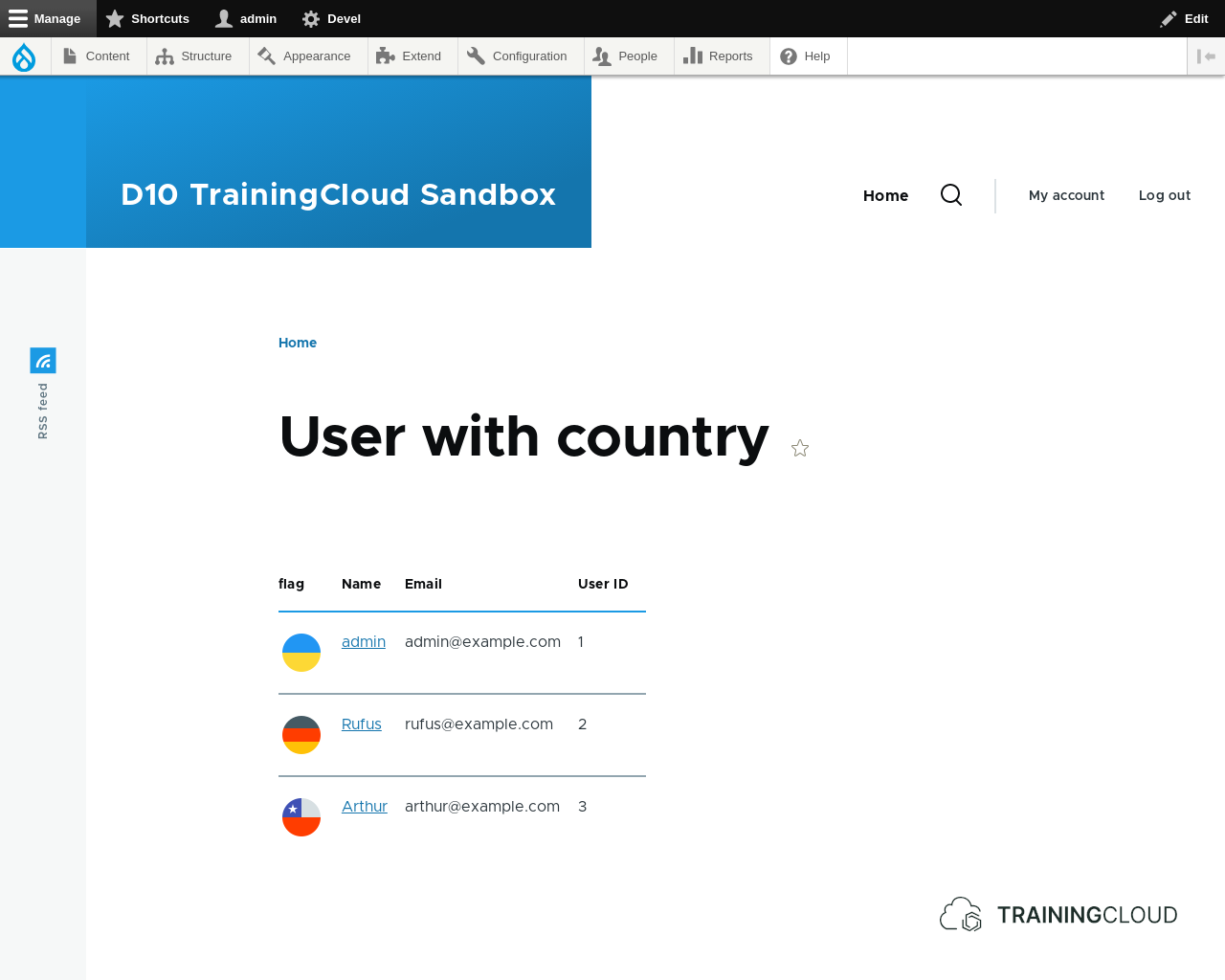
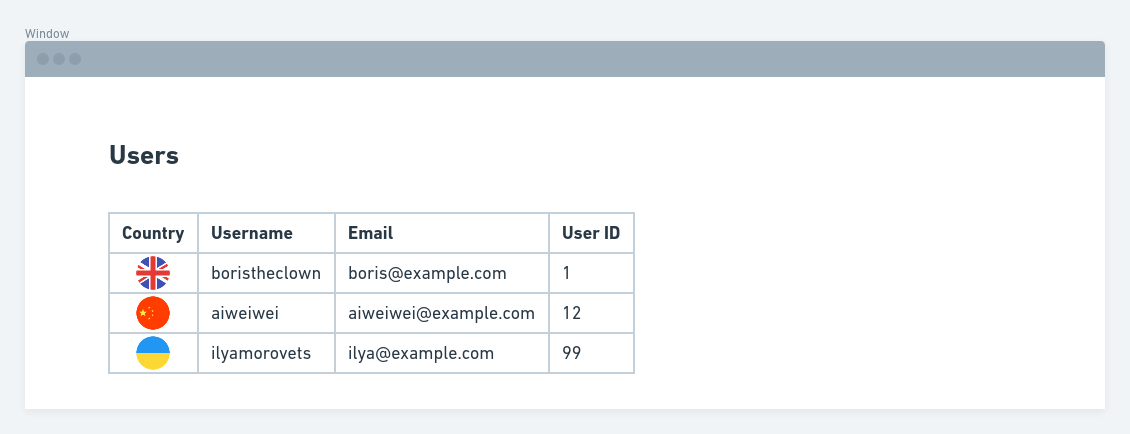
The goal of this activity is to add the option for users to indicate their country of residence in their profile, and then create a page view of users that also shows the correct flag for each user.
This activity demonstrates how you can enrich taxonomy terms with additional fields, and pull those fields into a view via a relationship.
Here's a mock-up of the final result:
You could add an image field to user accounts, and upload a flag to each account, but let's build something more flexible and reusable: a taxonomy for countries, where each country term also has a flag field.
You'll then add a 'Country' taxonomy field to user accounts so you can select a country for each user.
Finally, you'll build a view of users and, via a relationship, pull in the related (country) term information so you can display the country flag.
Steps you'll need to take
Preparation
- Create a new vocabulary called 'countries'
- Add an image field to the vocabulary and call it 'flag'. You can do this via the 'manage fields' tab on the vocabulary overview page.
- Add 5 country terms to the vocabulary
- For each country, also upload the corresponding flag icon ( (you can find flag icons at https://icons8.com/icon/set/flags/color)
- Add a taxonomy term field to user accounts. Restrict it to your new 'Countries' vocabulary. Change its widget to 'select list' instead of 'autocomplete'. You can do this via /admin/config/people/accounts/fields
- Create at least 3 users, and in their profile select one of the available country terms you just created
Create view of users
- Create a view of users (not of content)
- Set the format to 'table'
- Add the fields 'email' and 'user id'
Add relationship
Click 'Add' to add a relationship.
In this case you're going to add a relationship to a taxonomy term.
There's only one term relationship available (because there's only one taxonomy term field present on user accounts): Taxonomy term referenced from field_country
Add the remaining fields
Now add the flag field to the fields to show in your view, and reorder the fields to your liking,
Remember, this field was not available at first; you had to add a relationship to the taxonomy term first to make this taxonomy term field available.
Test your view
If everything went well, your view should like similar to this: