Objectives & prerequisites
- Create a new module.
- Recreate the ColourForm example.
- Learn how to redirect a user.
- Know how to build a form using the Form API.
- Can define a form route.
Activity
- Create a new module named
my_form_demo. - Recreate the
ColourFormexample we saw in the previous unit. - You'll need to create a form class and a form route.
- Name the class
ColourForm.
Copy/pasting the example code from the previous unit without some modifications won't work: you'll need to ensure the module name, form class name, and route name are correct.
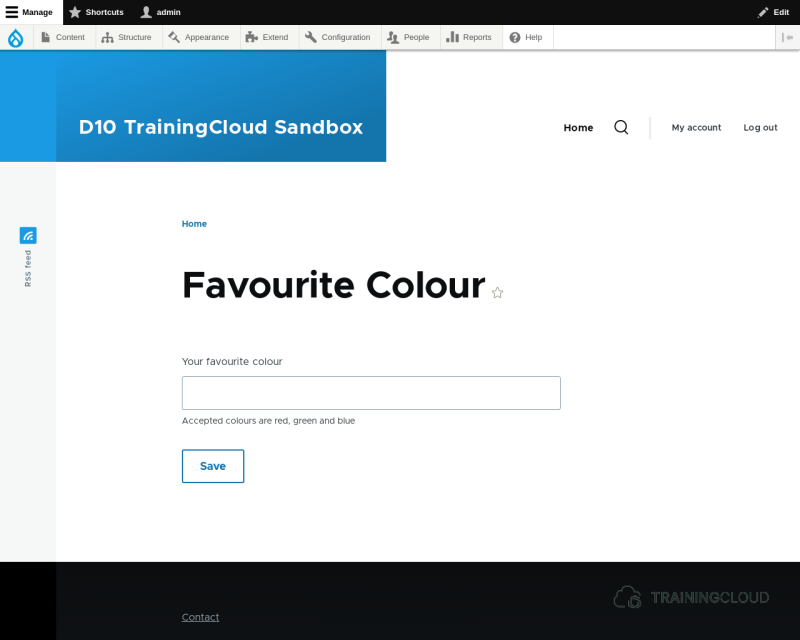
The result should look like this:
Activity
In your ColourForm, implement the submit handler (make it do something useful):
- Retrieve the submitted colour value.
- Redirect the user to
/colour/<favourite colour>, replacing<favourite colour>with the value the user submitted.
1. Retrieving submitted values
The $form array that you receive in your submitForm() method contains the original form definition, including all of the fields' default values, if any. The $form_state object that you receive in your submitForm() method contains all the submitted values.
You can retrieve submitted values using $form_state->getValue(), passing along the name of the field whose value you want to retrieve:
$submitted_colour = $form_state->getValue('fav_colour');2. Redirecting the user after form submit
Have a look at the reference documentation for FormStateInterface, and inspect the available properties and methods.
Two methods that look suitable for redirecting after submit are:
You are going to use setRedirect() because it involves slightly less code than using setRedirectUrl().
From the setRedirect() documentation you learn:
- This method needs at least one parameter: the full name of the route you want to redirect to.
- This method accepts an optional 2nd parameter: an array with route parameter values.
In other words, you'll need to do something like:
- Parameter 1: the name you gave to the route you created in 2A.
- Parameter 2: an array with one element: ['key' => 'value']
- key: the name of the route parameter as you used it in the route definition (you specified '/colour/{fav}', so 'fav' is the name of your route parameter
- value: the submitted colour value.
The code will be similar to this:
$submitted_value = $form_state->getValue('name_of_field');
$form_state->setRedirect('full_name_of_route', [
 'param_name_in_route' => $submitted_value,
]);
→ be sure to replace 'full_name_of_route' and 'param_name_in_route' with the correct names as you specified them in your route definition.
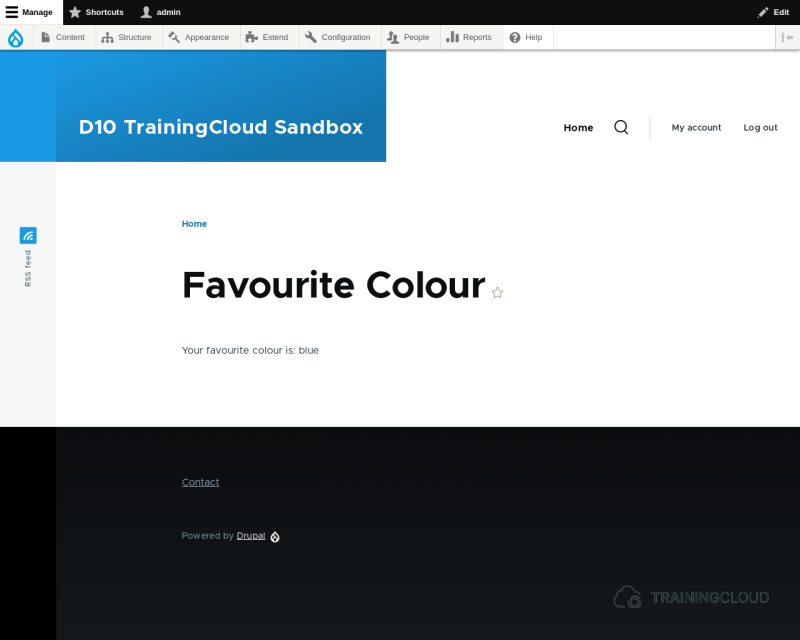
Submit your form and verify if you're being redirected to the right page, and that the right message is being displayed:
Summary
- You can redirect a form after submit via
$form_state->setRedirect(). - You can redirect users to a certain destination by providing a route; Drupal will figure out which URL (path) it needs to redirect to, based on the route's definition.