Objectives & prerequisites
- install the Paragraphs module and its dependencies
- create different Paragraph types
- assemble pages using the newly created paragraph types
- fine-tune the editor experience using available Paragraph options
- be aware of some interesting modules that add more functionality to the Paragraphs system
- experience managing Drupal content
- experience creating Drupal Content Types and managing their fields
- experience working with reference fields (such as taxonomy fields, content reference fields, and user reference fields)
Introduction
The Paragraphs module and its ecosystem of contributed extension modules provide a mechanism to assemble pages using predefined components. It can replace or enrich the standard way of managing content in Drupal, and it's an alternative to the newer Layout Builder mechanism, which is part of Drupal Core.
ACTIVITY 1: Installation
- install the main Paragraphs module. You don't need to install any of its submodules at this time.
If you're using a TrainingCloud Drupal Sandbox, these modules are already present and ready for you to enable.
Thinking about Components
The Paragraphs module lets you create different types of components ("paragraphs") that your site editors can use when they create content.
The most typical use case is removing the body field from your Content Type and replacing it with a field that lets you add any number of predefined components instead:
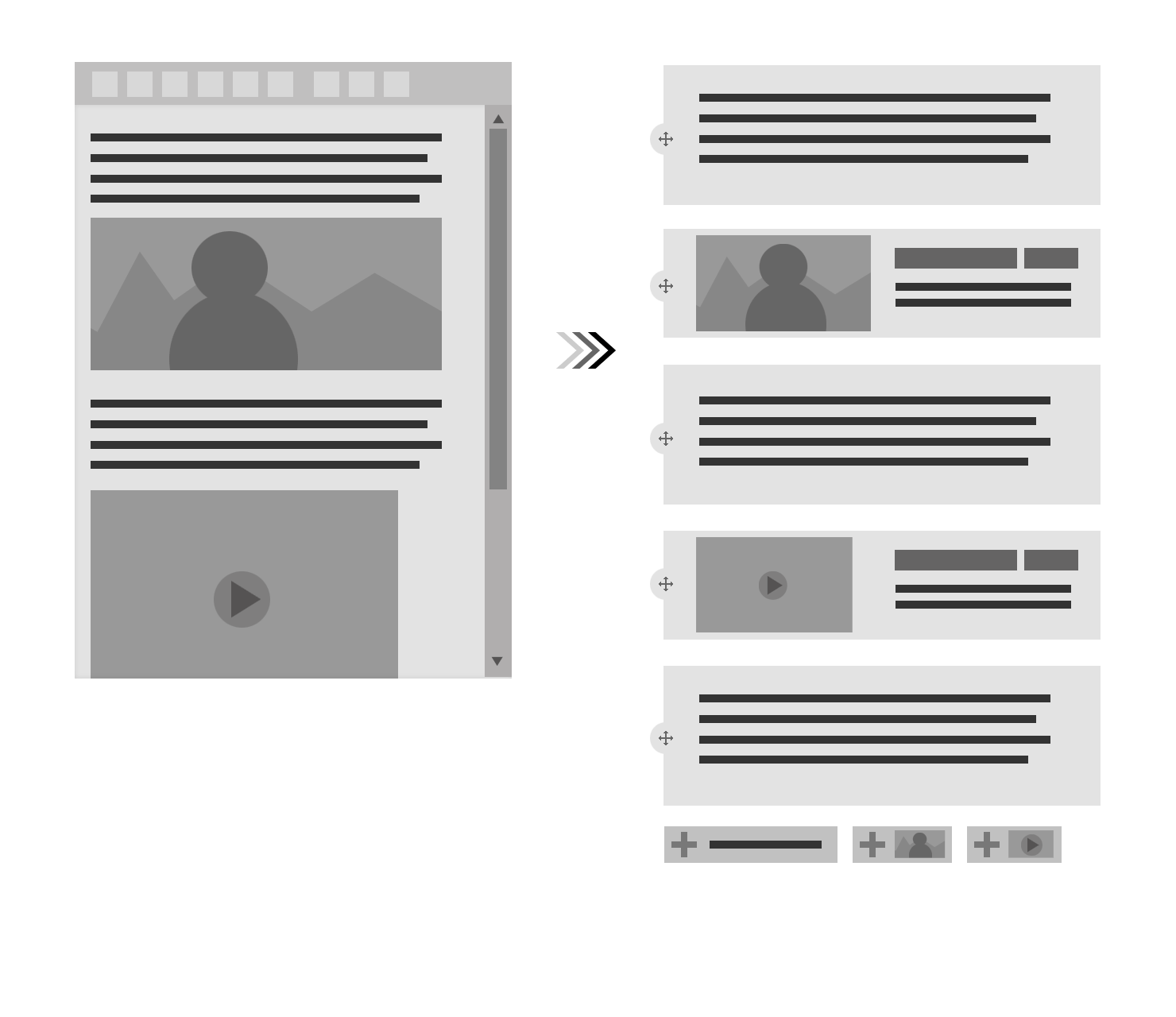
As a site builder, you'll first need to create the different component types ("paragraph types"), specify which fields should be present on each type, and then decide which of them can be used on each Content Type.
You might want to allow all paragraph types on Article nodes, but only a few of them on Basic Page nodes, for instance.
Setting up paragraph types can take a bit of time as there are quite a few things to configure, but the good news is: once they're set up, they're straightforward to use.
And: if you know how to create Content Types and add fields to them, you already know most of what you need to know to create Paragraph types.
In the next unit, you'll work through an example by creating two basic paragraph types: one for blocks of text, and one for images, selected from a media library.