Objectives & prerequisites
- Create a Paragraph Type that lets editors embed quotes in their content.
- Understand how styling Paragraph Types works.
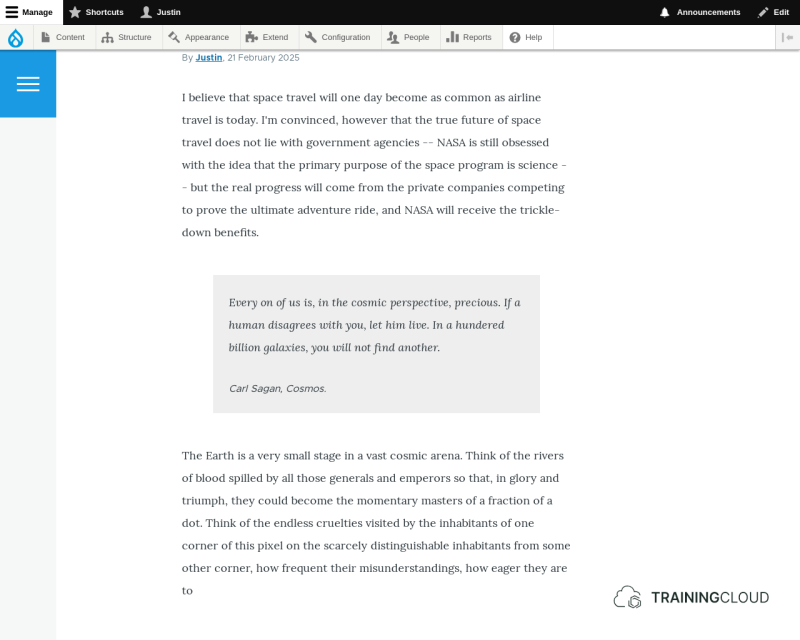
Embedded quotes usually look similar to this:
Activity 1
- Create a Paragraph type that has two fields:
- One long formatted text field for the quote itself.
- One unformatted text field for the quote author's name.
- Create a new article that contains:
- One block of rich text.
- One quote.
- Another block of rich text.
Without any additional front-end styling, the result won't look good yet, as you can see on the following screenshot (quote highlighted):
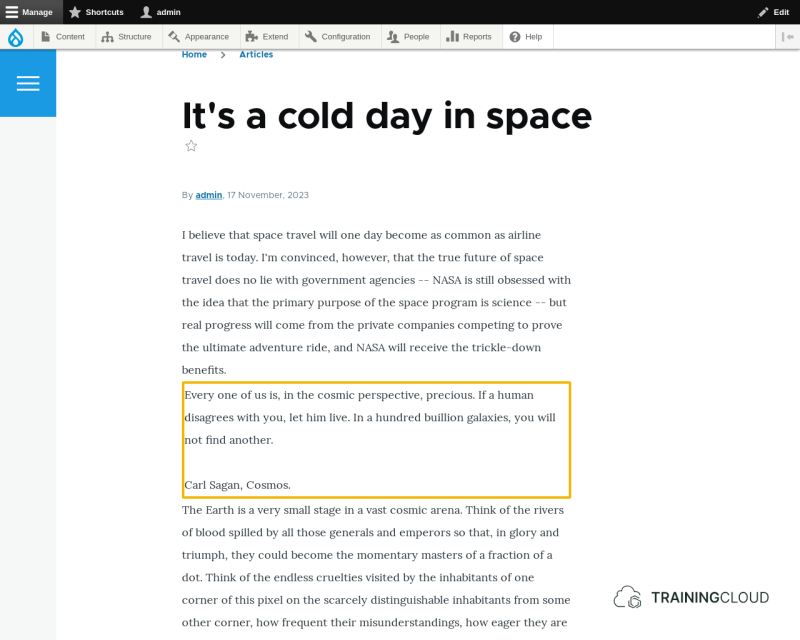
There should be more space around the quote, the quote should have a different background colour, and the quote text and author should be shown in italic
Explaining Drupal's theme system is outside the scope of this unit. However, if you're familiar with CSS, adding the following few lines of CSS to your theme's stylesheet would address the above design issues:
.paragraph--type--quote {
 background: #eee;
 font-style: italic;
 margin: 50px;
 padding: 25px;
}

.paragraph--type--quote .field--name-field-quote-author-info {
 border-top: solid #ddd 1px;
 text-align: right;
}
After clearing the Drupal caches and reloading the article, the quote styling would become visible:
Again, going deeper into the theme system is out of scope, but we hope that the Quote example shows that the general process behind creating and styling Paragraph Types is relatively straightforward.
While a more complex Paragraph Type such as a Slideshow would require more customised template code and the addition of Javascript, basic Paragraph Types such as Quote only need a few lines of CSS to become useful.